In a nutshell
- 🧲 Dryer sheets work by depositing an anti-static film (via cationic surfactants) that dissipates charge, so dust can’t cling to TVs and monitors.
- 🧽 Follow safe steps: power off and cool, lift grit with a microfibre cloth, then glide a used dryer sheet with light pressure; never spray liquids directly on the screen.
- ⚠️ Protect screen coatings: avoid paper towels, ammonia, and harsh glass cleaners; use distilled water sparingly, isopropyl only for glass layers, and defer to manufacturer guidance.
- 🌿 Smart alternatives: an anti-static brush or a purpose-made anti-static screen cleaner; eco option—reuse unscented dryer sheets after laundry.
- 📆 Maintain the effect: treat every 1–2 weeks for a lasting static reset, yielding less dust, fewer cleans, and a consistently clearer picture.
Dust loves your television. Static builds on plastic bezels and modern panels, pulling fluff from across the room and locking it to the screen like iron filings to a magnet. A humble household fix has gone viral: the dryer sheet dusting hack. It sounds suspiciously simple, yet the science behind it is robust. Dryer sheets carry anti-static agents that calm electrical charge and make particles easier to lift away. Used wisely, they can help your screen stay cleaner for longer. The trick is technique: gentle passes, the right materials, and a light touch to protect delicate coatings.
Why Dryer Sheets Stop Dust: The Science Behind the Hack
At the heart of the hack sits static electricity. TVs and monitors—especially those with plastic frames and polymer front layers—sit high on the triboelectric series. Rub a synthetic cloth across them, or simply run them warm for hours, and the surface accumulates charge. That charge acts as a dust magnet. A dryer sheet, by contrast, is impregnated with cationic surfactants—often quaternary ammonium compounds—plus softeners that leave a very thin, slightly conductive film. That film reduces the surface’s ability to hold static and dissipates what’s there, so dust has nothing to cling to.
There’s more. The treated sheet provides mild lubrication, lowering friction as you wipe. Less friction equals less new charge created by contact and separation, which is why the dust doesn’t rush back the moment you finish. In practice, a used dryer sheet is best: most of the softener has transferred during the wash, leaving just enough anti-static action without the heavy residue of a brand-new sheet. It’s a savvy bit of reuse, too, reducing waste while tackling a stubborn housekeeping job.
How long does the effect last? Not forever. Heat, air currents, and fresh mechanical contact re-charge surfaces. But you can expect several days to a couple of weeks of noticeably lower dust build-up—long enough to stretch cleaning intervals and keep the picture crisp. Think of it as a static reset: not permanent, but powerful and repeatable.
Step-By-Step: Safe Dusting For TVs And Monitors
Always power off and let the screen cool. Heat makes residue more likely to smear, and lit pixels can hide fine scratches as you work. Start with a clean, dry microfibre cloth to lift gritty particles that could scour coatings. Feather-light strokes. No pressure. Your goal is to remove abrasives before the dryer sheet ever touches the panel.
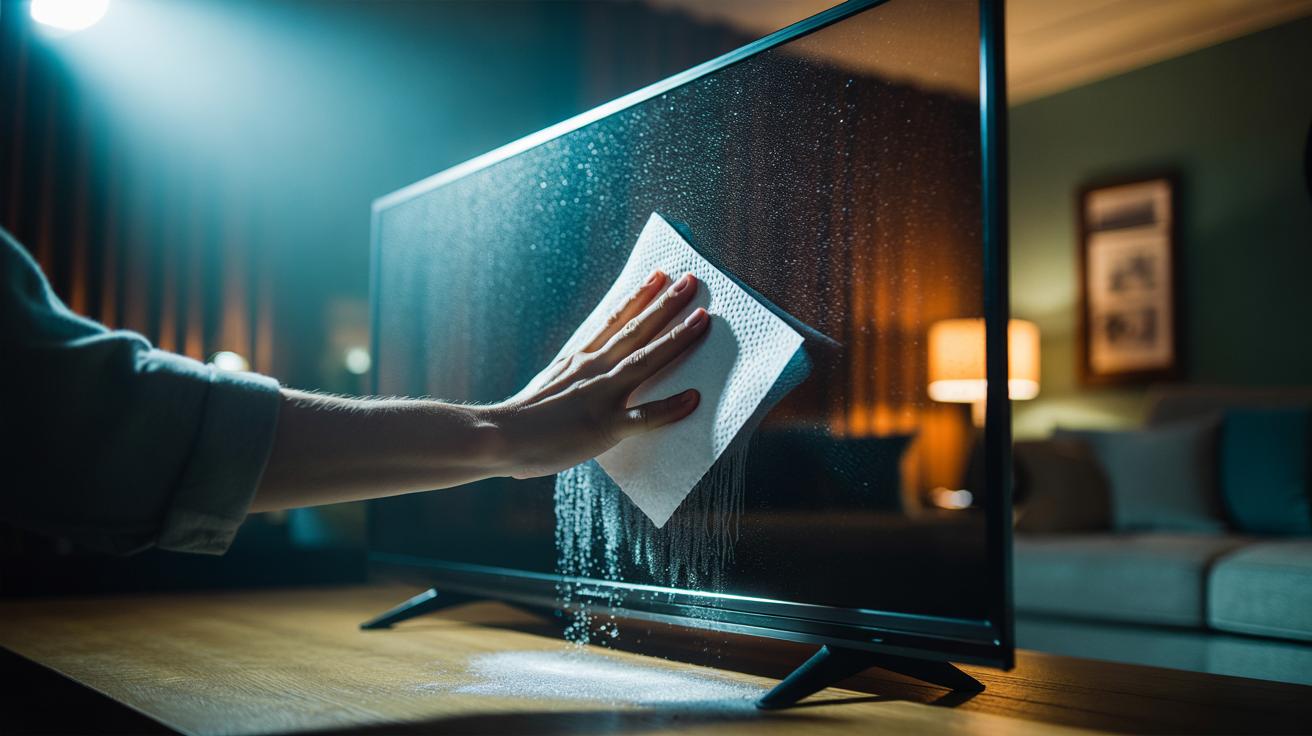
Now take a used dryer sheet—unscented is kinder for those sensitive to fragrance—and fold it once for control. Glide it across the screen in broad, overlapping passes, working from top to bottom. Avoid pressing into corners and don’t scrub at fingerprints; the sheet is for anti-static neutralising and dry dusting, not degreasing. For the bezel, stand, and the back panel’s vents, you can be a shade more assertive, though still gentle. If your display has a matte or nano-textured finish, test a tiny lower corner first.
Finish with a fresh, dry microfibre. This buffs away any whisper-thin residue while keeping the anti-static effect intact. For oily marks, lightly dampen the cloth with distilled water—never spray the screen—and dab, don’t rub. Save alcohol mixes for glass-only layers as specified by the manufacturer. Re-apply the dryer sheet treatment every week or two, or after a deep clean, to keep dust in retreat.
Tools, Precautions, And Alternatives
Some kit helps, some harms. The table below keeps it clear. The short version: prioritise microfibre, a used dryer sheet, and minimal moisture. Avoid paper towels, household glass cleaner, and ammonia, which attack coatings. When in doubt, default to the device maker’s cleaning guidance—warranty pages are explicit for LCD, OLED, and QLED panels.
| Item | Purpose/Effect | Precautions |
|---|---|---|
| Used dryer sheet | Reduces static; loosens dust for easy lift-off | Test on matte coatings; avoid heavy pressure |
| Microfibre cloth | Safely picks up particles without scratching | Keep clean; wash without fabric softener |
| Distilled water (lightly damp cloth) | Removes smears and fingerprints | Never spray directly; avoid drips near edges |
| Isopropyl solution (for glass layers only) | Degreases stubborn marks | Check manual; skip if screen has polymer coatings |
| Paper towels, tissues, ammonia cleaners | None | Can scratch or strip coatings—do not use |
Prefer to skip dryer sheets entirely? An anti-static brush for electronics is a fine substitute, using conductive fibres to bleed charge safely. You can also run a microfibre lightly misted with a purpose-made anti-static screen cleaner. Eco-minded households might choose unscented, biodegradable dryer sheets or retire them after laundry for this second life. Whichever route you take, the principle is the same: manage static first, then remove contamination. That sequence protects coatings and prolongs the time between cleans.
In the end, the dryer sheet trick works because it changes the surface physics of your TV, not just its appearance. Lower static, less dust, better picture—simple as that, with a few smart caveats. Use a used sheet, avoid pressure, and respect the manufacturer’s rules for coated panels. Your display will reward the care with fewer particles and fewer cleaning sessions. The question now is how you’ll build this into your routine: a weekly reset, a quick wipe during film night prep, or a once-a-month tune-up for picture-perfect clarity?
Did you like it?4.6/5 (29)