In a nutshell
- 🔥 Heat is the silent killer of electronics; dust chokes vents, reduces airflow, raises temps, and becomes a failure multiplier that accelerates wear and throttling.
- 🛠️ The one task you can’t ignore: scheduled dust removal and airflow checks, followed by temperature monitoring to create a baseline for proactive, preventive maintenance.
- ⚡ Stay safe and effective: use an ESD strap, hold fan blades still, avoid household vacuums on PCBs, clean grilles with isopropyl, and refresh thermal paste when needed; ensure devices have a clear air path.
- 📅 Follow practical rhythms: desktops every 3 months, laptops every 4–6, consoles quarterly, routers twice a year—watch for high idle temps, fan howl, and hot casings; equip compressed air, soft brushes, and precision tools.
- 🏭 Businesses can copy rail and data centres: use MERV-rated filtration, hot‑aisle containment, clean-by dates, temperature trend logs, and thermal imaging to cut outages and extend refresh cycles.
Across Britain, our laptops, routers, consoles, and factory controllers are working harder and for longer. Yet many fail early for a simple, preventable reason: heat. British engineers from labs, rail depots, and data halls keep repeating the same advice. There is one maintenance task you can’t ignore if you want tech to last: remove dust and verify airflow on a regular schedule. It’s unglamorous, often overlooked, and wildly effective. Think of it as thermal hygiene. A few minutes with a can of air, a soft brush, and a temperature check can add years to a device’s life and cut energy use. Done right, it also keeps performance predictably high.
Why Thermal Hygiene Extends Device Lifespan
Heat is the silent killer of electronics. It accelerates chemical reactions in capacitors, dries out thermal paste, warps plastics, and stresses solder joints. Dust is the accomplice. It mats onto heatsinks, slows fans, and blocks vents. Airflow collapses. Components run hot, the system throttles, and power draw creeps up. British reliability engineers call it a failure multiplier: every extra degree makes trouble more likely. In field service logs from industrial control panels to office desktops, overheating often appears as the first warning and the last straw.
Thermal hygiene is the habit of keeping cooling pathways clean and efficient. It’s basic, but it works. Clear fins let heatsinks shed heat properly. Unclogged filters restore designed airflow. Fans no longer overcompensate. The results are tangible: quieter operation, fewer emergency shutdowns, and tighter performance consistency under load. Ignore dust, and you effectively downclock your kit every month. Pay attention, and you extend the safe operating envelope, buying time before any expensive part must be replaced.
The One Task: Clean Dust and Check Airflow
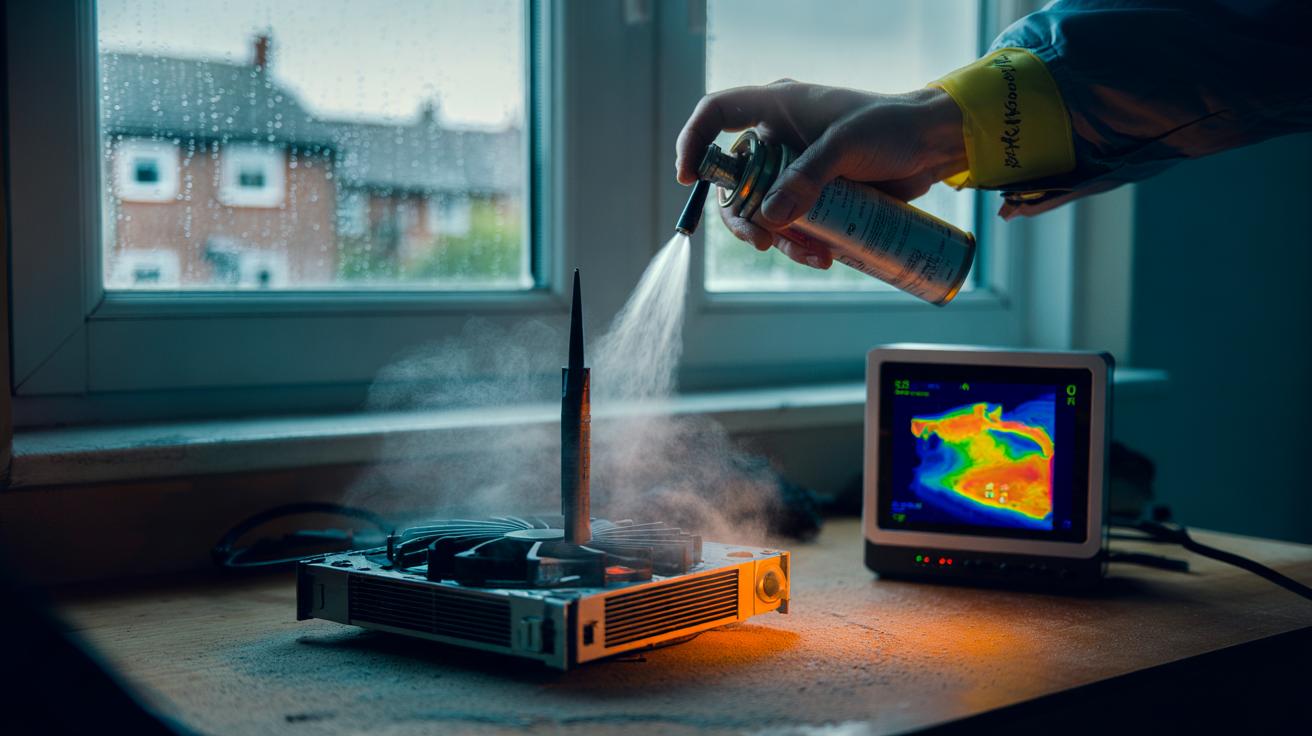
Engineers stress a single routine: scheduled dust removal plus airflow verification. Power down, unplug, and ground yourself. Open accessible panels. Hold fan blades still with a pen or finger guard while using short bursts of compressed air from inside to out. A soft, anti-static brush dislodges packed lint from heatsink fins. Swap or wash intake filters where fitted. Then check that air moves freely through every vent. If a laptop’s exhaust feels tepid under load, or a router’s case is hot, you haven’t finished.
Verification matters as much as cleaning. Run a controlled workload—launch a game, encode a video, or stress-test with a safe utility—while monitoring temperatures. On Windows, tools such as HWInfo provide sensor readouts; Macs can use iStat or built‑in diagnostics; Linux has lm-sensors. Record a baseline after a good clean. Next month, compare. If temps drift upwards or fans scream earlier, dust is winning again. This simple loop turns guesswork into preventive maintenance, catching airflow issues before they become component failures.
How to Do It Safely at Home
Preparation prevents mishaps. Work on a clear table. Use an anti-static wrist strap if you can, or touch a grounded metal object frequently. Never spin fans with compressed air; hold them still to protect bearings and generate less back EMF. Avoid household vacuums near circuit boards—they can build static. Microfibre cloths, isopropyl alcohol (for external grilles and old thermal paste), and a low-lint swab set form a simple kit. For laptops, check the manufacturer’s service guide to avoid damaging clips. If a seal resists, don’t force it; many designs hide screws under feet or stickers.
| Device/Location | Frequency | Red Flags | Tools |
|---|---|---|---|
| Desktop PC (heatsinks, fans, filters) | Every 3 months; monthly if pets | High idle temps; fan howl; throttling | Compressed air, soft brush, ESD strap |
| Laptop (vents, fans) | Every 4–6 months | Hot palm rest; sudden slowdowns | Service guide, air puffer, precision screwdriver |
| Games console (intake grilles) | Every 3–4 months | Loud under light load | Air can, vacuum on grilles only |
| Router/mesh node (case vents) | Twice a year | Random dropouts; warm casing | Soft brush, air puffer |
If your system still runs hot after cleaning, consider refreshing thermal paste on the CPU/GPU following the maker’s instructions. It’s a 30–60 minute job with big dividends on older machines. Finally, keep devices off carpets and away from radiators. Raise them on stands, clear rear exhausts, and give the intake side room to breathe. Air needs a path; design that path.
What Businesses Can Learn From Rail and Data Centres
British rail engineers learned long ago that dust and heat ruin reliability. Trackside cabinets draw in fine brake dust; modern signals carry fans and filters for a reason. The maintenance playbook is disciplined: scheduled filter swaps, enclosure pressure tests, and temperature trend analysis. Data centres do the same at scale, pairing MERV-rated filtration with hot‑aisle containment and strict cleaning protocols. The principle is identical at home: keep particles out, and move heat away with predictable efficiency.
Organisations that formalise thermal hygiene see fewer unscheduled outages and longer refresh cycles. A simple asset tag with a clean-by date and a temperature baseline helps technicians catch drift. Add spot checks with thermal imaging or smart sensors, and maintenance becomes condition‑based rather than crisis‑driven. For SMEs, the low-cost win is to appoint a “cooling champion” for each office zone. They check vents weekly, clean quarterly, and log temperatures after updates or layout changes. Culture makes cleanliness stick. Treat airflow like security: everyone’s job, little and often, documented and reviewed.
In the end, extending the life of your tech isn’t sorcery—it’s housekeeping with an engineer’s eye. Strip out dust, restore airflow, verify temperatures, and you’ll slash random slowdowns while protecting the components you paid for. Energy bills ease. Fans calm down. Your kit feels new again because, thermally, it is. The question is simple and immediate: when will you schedule your next thermal hygiene check, and what will your baseline temps say about the health of your devices?
Did you like it?4.4/5 (24)